
Download & Install
Download the trader2B MT5 Bridge and follow its installation instructions.

NEW Connect MetaTrader 5 to trader2B
Trade from MetaTrader 5. Orders are sent to your trader2B account over a connection you authenticate with your own API key.
Both files are required. The panel does not trade without the connector running.
Four straightforward steps to connect your MT5 platform to trader2B.
Download the trader2B MT5 Bridge and follow its installation instructions.
Obtain a valid API key from trader2B. The Bridge cannot connect without it.
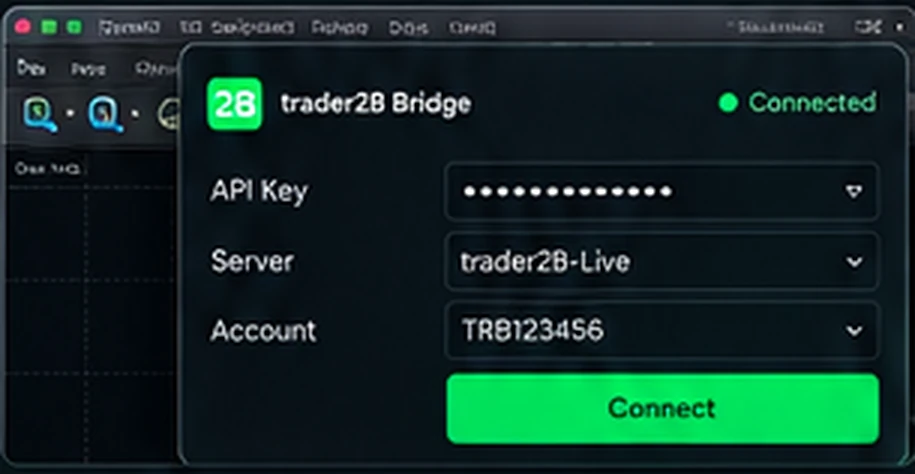
Enter your trader2B API key in the Bridge and authenticate the connection.
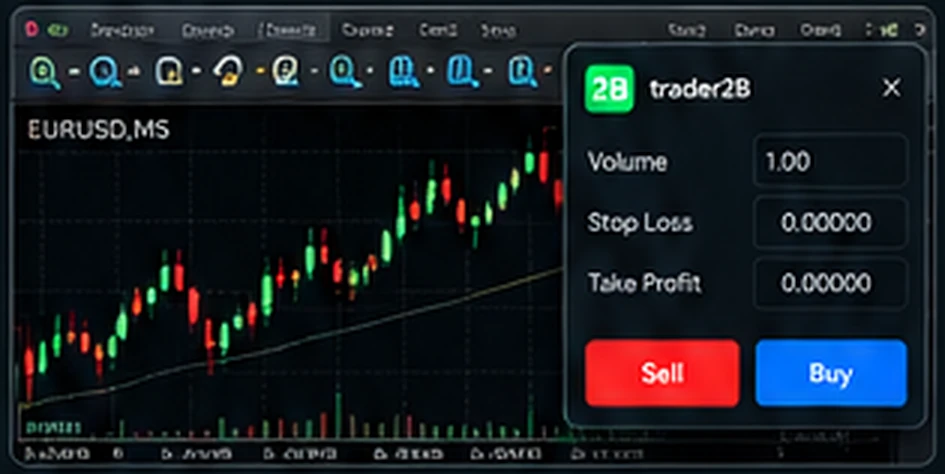
Use MT5 to send supported orders to your connected trader2B account.
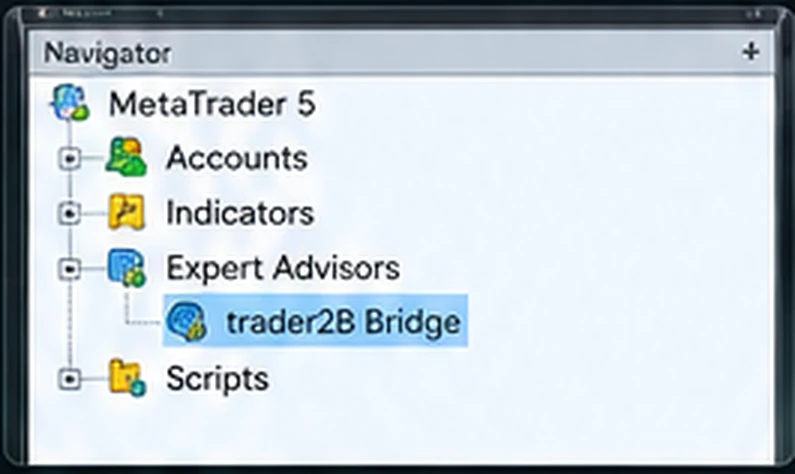
A closer look at the connector inside your MetaTrader 5 workspace.
Everything you need to know before installing the Bridge.
A panel that runs inside MetaTrader 5 and sends your orders to your trader2B account. It comes with a small companion program, trader2B Connector, which carries the traffic.
MetaTrader 5 cannot open a secure connection to our servers on its own. The connector does that part and passes events to the panel locally. The panel is the .ex5; the connector is the .exe.
Yes. Nothing connects without one, and the key is entered in the connector rather than in MetaTrader.
MetaTrader blocks programs from opening network connections unless you allow the address yourself. 127.0.0.1 is your own machine - it lets the panel talk to the connector, and nothing else.
The panel is itself an Expert Advisor and occupies one chart. Running your own EAs on other charts is unaffected, but automated trading is subject to your trader2B account rules.
Not necessarily. MetaTrader marks positions against its own price feed from your broker. trader2B keeps the official balances, positions and P&L.
Market, limit and stop orders, long and short, with optional take profit and stop loss.
No. The MQL5 Market only accepts self-contained products that work on any account without external software, and this one needs the connector and a trader2B account. Download it from this page.
Download both files, get your API key, and connect.